Yoru
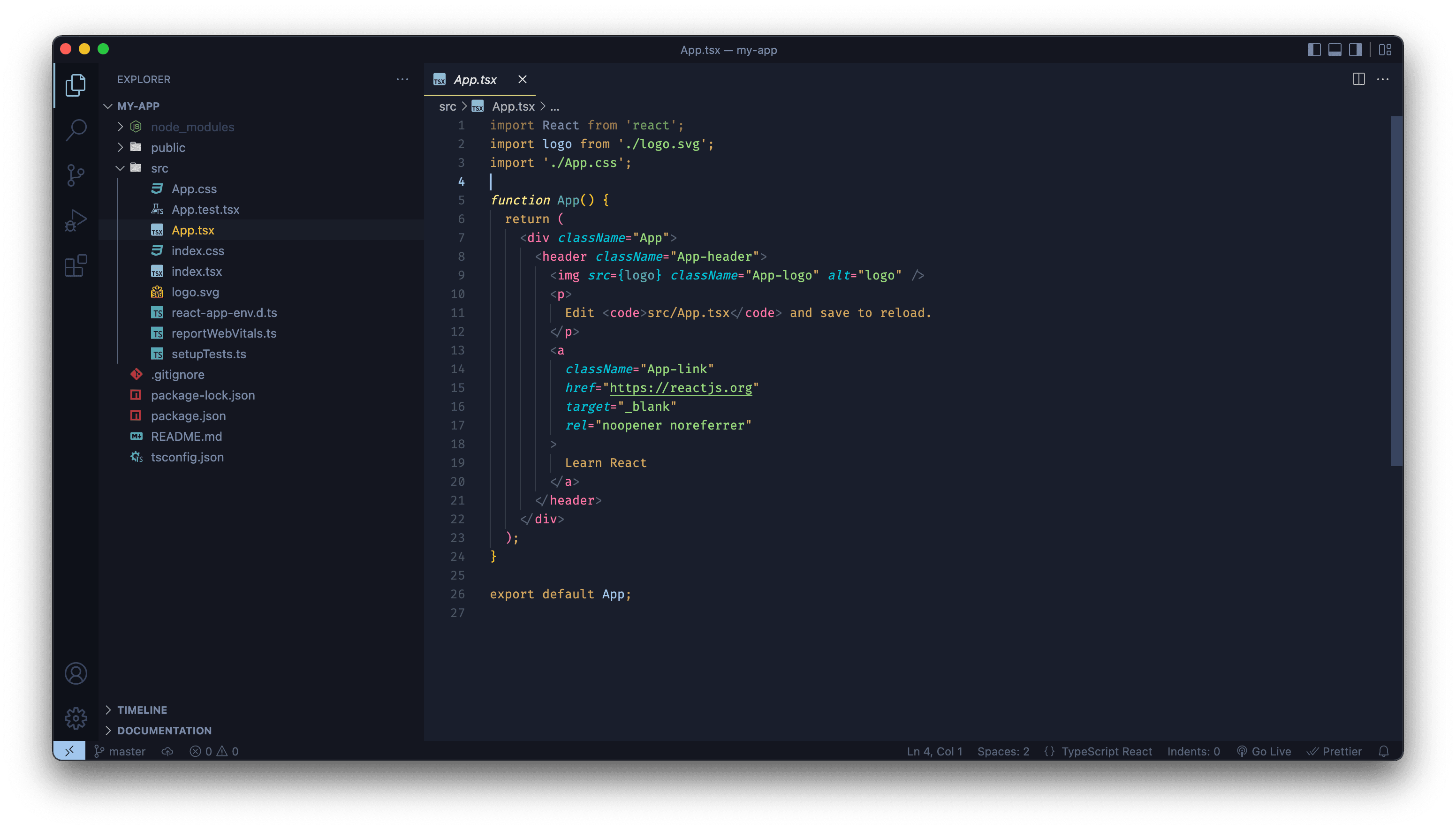
Yoru which means night in japanese, is a dark theme I created for Visual Studio Code.
- Type
Personal project
- Tools
Visual Studio Code Insiders
- Source
- Github
Purpose / Goals
As a developer I spend a lot of time using a code-editor to write web applications. As you might have noticed my preferred editor is Visual Studio Code. It's lightweight, fast and very customizable which I like about it. After switching to countless themes in the past few years, I decided to create my own personal theme.
My experience
A lot of people have already made a guide about building your own VS Code theme, so I won't cover that here. I do want to give a few tips that will help you get started.
First tip is to try to style the appearance of the overall editor before you work on the colors of the syntax. This is important because the background color affects the readability. By doing this step first, you save yourself time from having to keep changing the background colors. If you haven't decided on the colors yet, I suggests browsing the most installed themes on Visual Studio Marketplace and try to understand why people likes these themes so much. Another place I often visit is VS Code Themes, here you can explore multiple themes at once.
My second tip is about the syntax colors. I honestly recommend using an existing one as a base. Without one you will need to figure out on your own what scopes you need to target. This can be such a hassle. Using an existing one, makes it much easier as you only need to change the values. If you do want to start from scratch, then tmtheme-editor might be your best bet. It is a bit outdated, but it makes configuring a TextMate theme easier as it provides a UI.
Problems I've faced
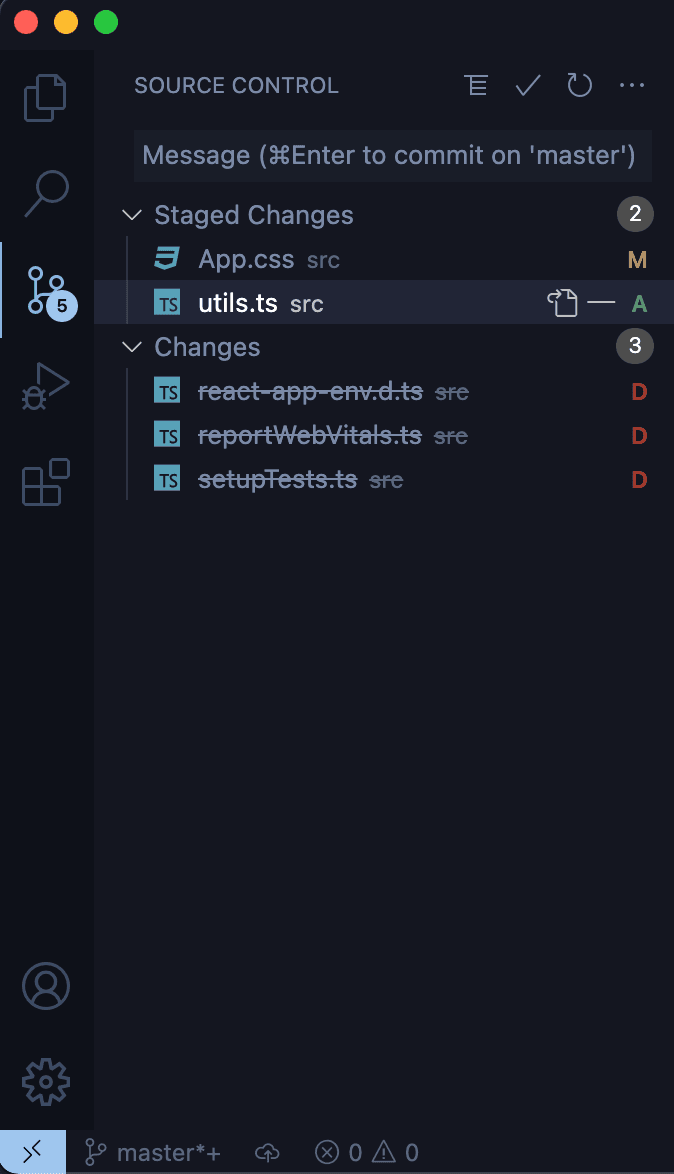
The hardest part of creating a theme from scratch is finding the right property to change. There is a handy list of customizable properties in VS Code. The only downside is that they only provide a description of the property. It can be hard to understand what that description exactly means. Even after changing the value I sometime wonder what exactly has been changed.
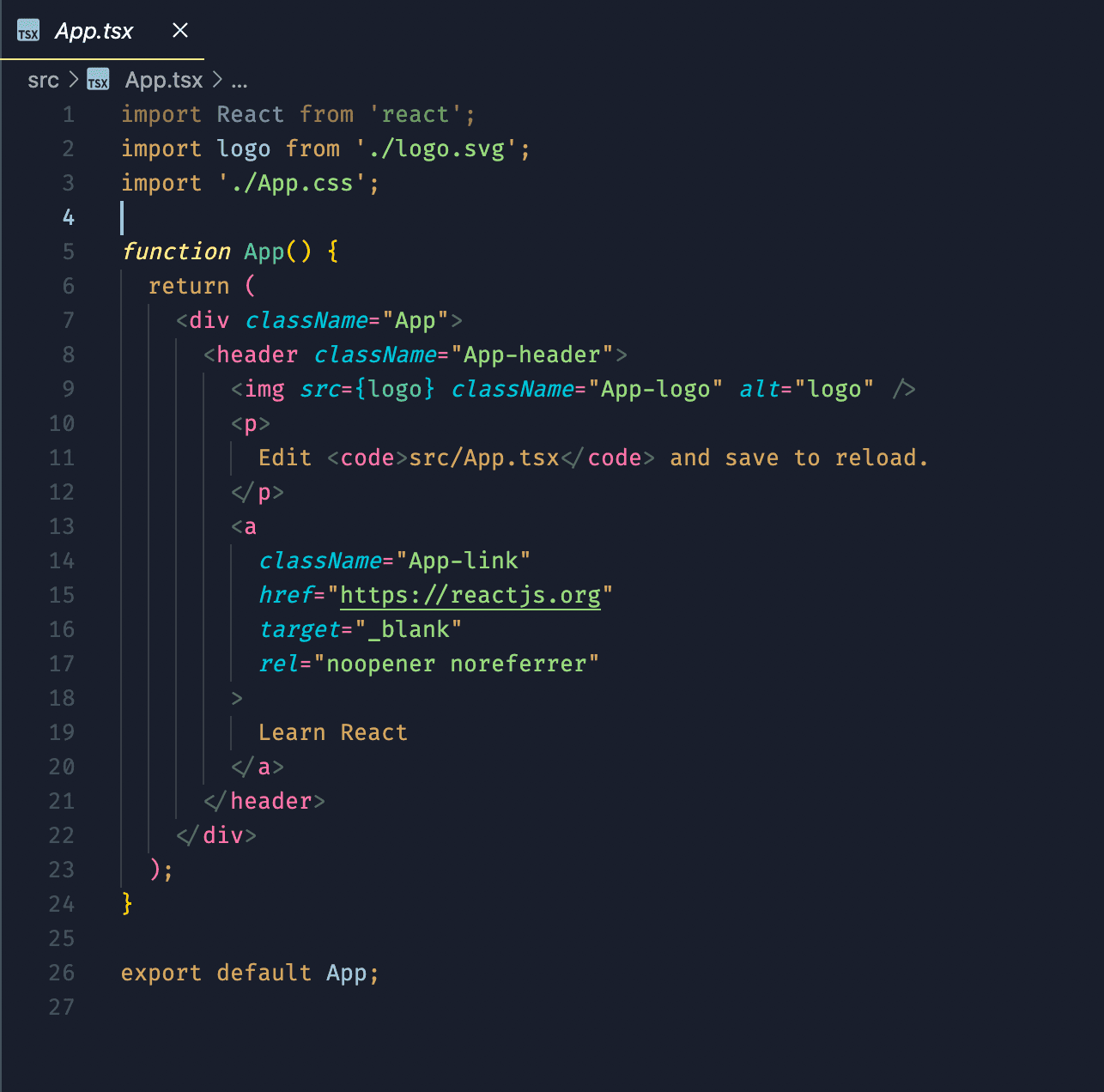
The same goes for styling syntax code. You can open the command palette and enter Developer: Inspect Editor Tokens and Scopes. This will show you a detailed list of colors and scopes where the current cursor is pointed at. The problem here is that not all programming languages uses the same exact scopes. In my opinion the best way to solve this is to use a default color as a fallback and manually tweak the colors for all languages if that color isn't showed.
Future plans
I'm currently using this theme everyday and so far I am happy with the result. So far I have barely encountered any bugs. If I do, I will push a minor release and update the changelog.
In the future I want to support more languages and roll out more variants of this theme.